Trefik 10 - a comfortable direction to the right predictions
Trefik version 10 is built on a new database technology which allows automatic data updates at the background. The new technology also guarantees the data stability. Using Trefik is much more enjoyable and comfort now.
All new Trefik orders are satisfied with Trefik 10 automatically. The users of older Trefik version are able to make upgrade directly from their older Trefik. If any problems occure with proceeding the upgrade let us know at trefik@trefik.com and we will help you with getting Trefik 10.
There are available four different types of design in the Trefik main window. You can select them by clicking at the bottom ribbon of the main window. When you click at the choice area this menu appears:
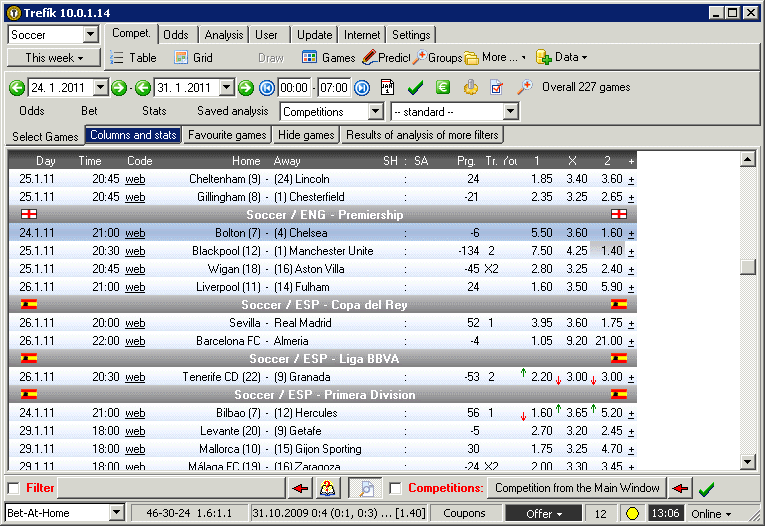
Design mode Offer
All matches from the selected sport and time period (check the left top corner to see how to select it) are displayed by choosing this design.
The window Predictions is accessible by a doubleclick at a match. The buttons at the upper part of the main window (table, cross table, ...) are connected to the competition where the selected match is from. The odds from all bookmakers for the selected match are available using the button Odds at the upper part close to the list of matches.
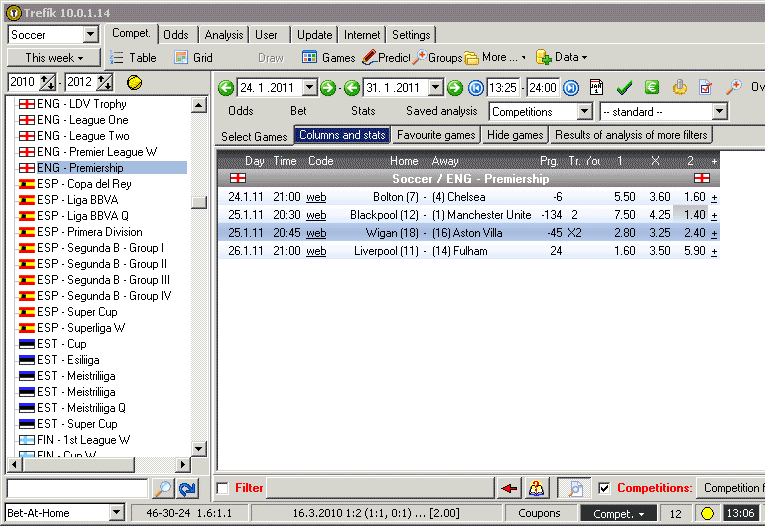
Design mode Competition
This mode has the list of competition from selected sport and time period at the left side. Games from the selected competition are visible at the right part of the main window.
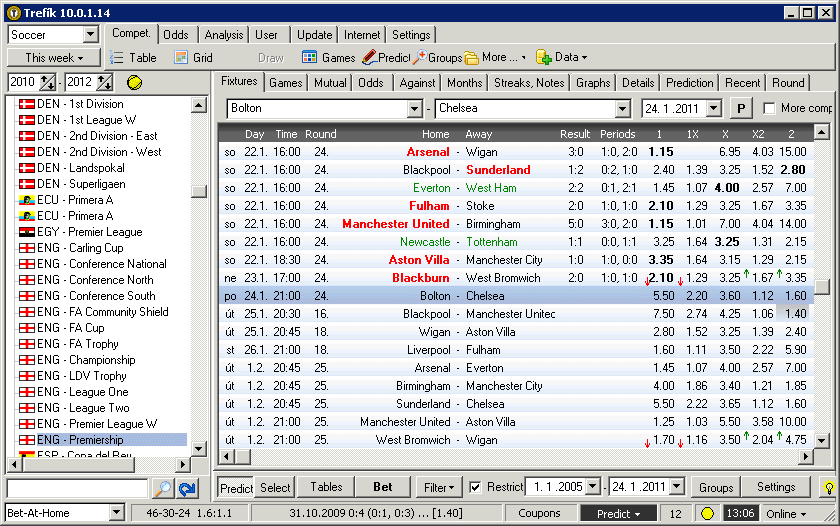
Design mode Predictions
When choosing this mode the window Predictions is a part of the main window. It is useful if the user wants to search the competitions using the window Predictions.
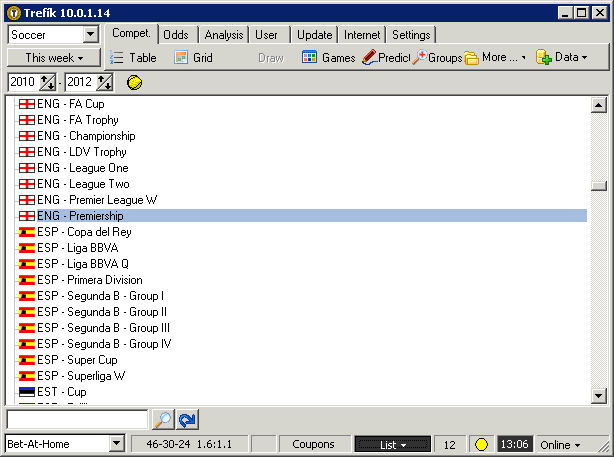
Design mode List
The main window contains just the list of competition in this mode. You must open the windows Offer and Predictions using the buttons at the top part of the main window.
This mode is probably suitable just for the case when the display is too narrow and the main window cannot contain also the list of matches.